
Nextcloud
Download the Nextcloud desktop app
This desktop app download guide helps you get the free Nextcloud app for your computer, so your files stay in sync with your KJHosting cloud storage.
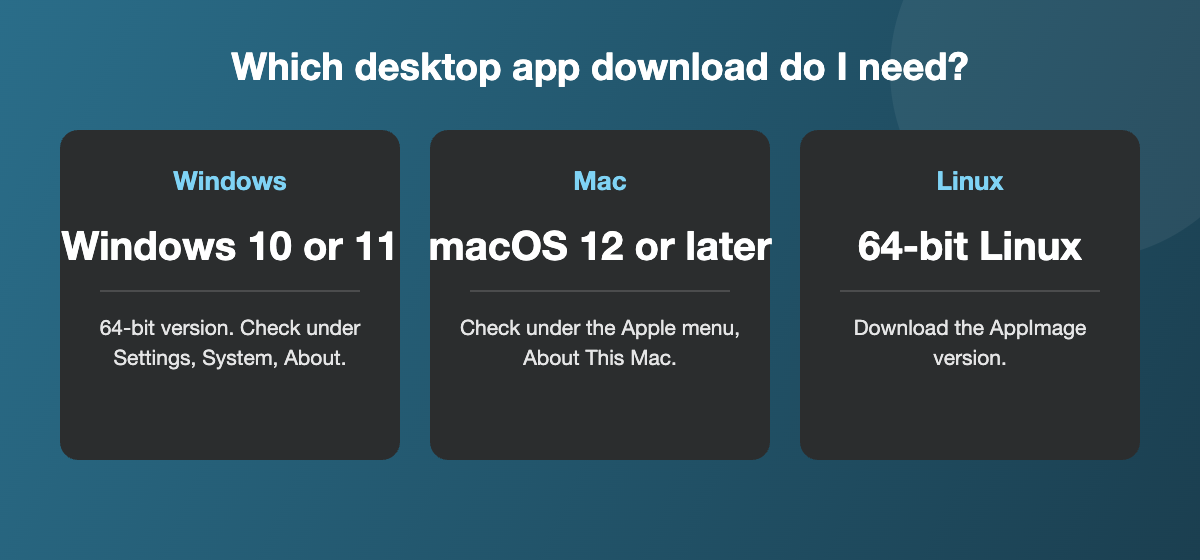
The free Nextcloud desktop app keeps the files on your computer in sync with your KJHosting cloud storage. It is available for Windows 10 or later (64-bit), macOS 12 or later and 64-bit Linux.
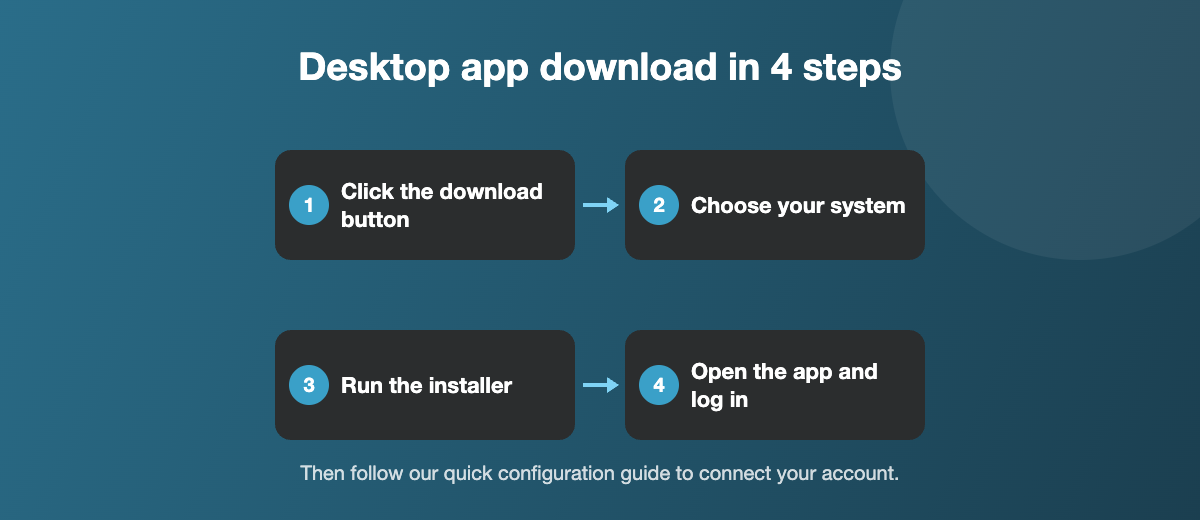
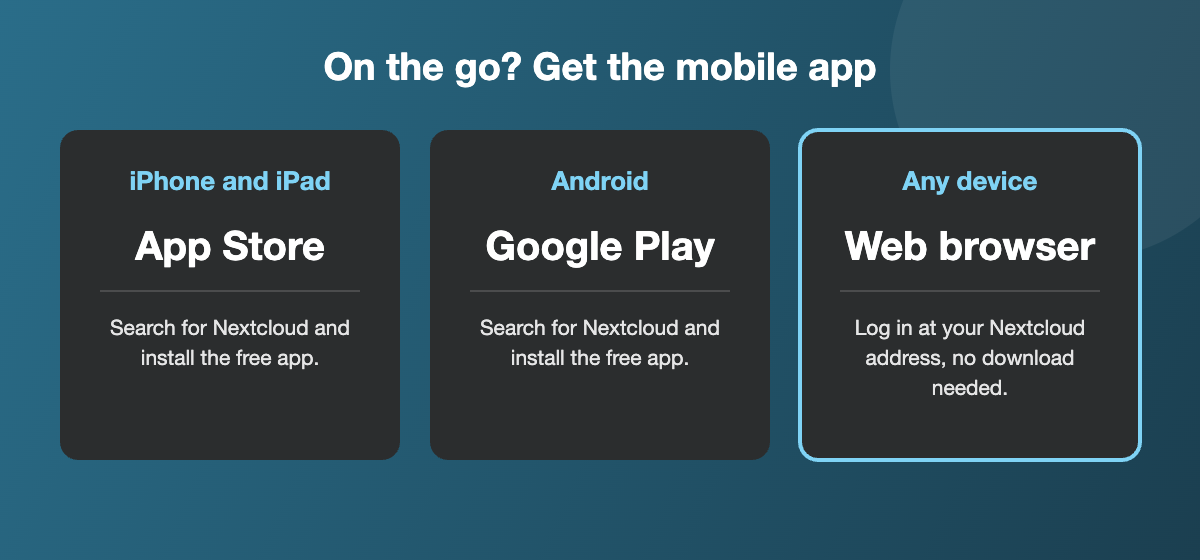
Click the button below and choose the version for your computer. For phones and tablets, get the Nextcloud app from the App Store or Google Play.
Note: you will be leaving the KJHosting website. Come back here for help with your own setup.
Before your desktop app download
Check which version you need, so the download installs first time.
- Windows: open Settings, then System, then About. Under System type, check that it says 64-bit.
- Mac: open the Apple menu and choose About This Mac to see your macOS version. You need macOS 12 or later.
- Linux: choose the AppImage version. Make the file executable, then open it.
Installing the app
- Open the downloaded file and follow the prompts. On Windows, click Yes if you are asked to allow the app to make changes.
- If your computer asks you to restart, do that before you open the app.
- When the app opens for the first time, follow our quick configuration guide to connect your account.
Always download the app from the official Nextcloud download page. The button above takes you there, so you get the latest, safest version.
If the download does not work
- Cannot find the file? Look in your Downloads folder, or open your web browser’s download list to see where it was saved.
- Your browser blocked the download? Some browsers ask you to confirm before keeping an installer. Choose to keep the file, as long as it came from the official Nextcloud website.
- Seeing a security warning when you run it? Check that the file name starts with Nextcloud and was downloaded from nextcloud.com before you continue. If you are unsure, stop and ask us.
- The installer will not start? Check you chose the right version for your computer, then try downloading it again in case the first download was interrupted.
- Work computer? Your IT department may need to approve new software. Show them this page so they know what the app is for.
Desktop app download questions
Yes. The desktop app download is free for Windows, macOS and Linux, and the mobile apps are free too. Your storage plan is the only cost.
The current app needs 64-bit Windows 10 or later, macOS 12 or later, or 64-bit Linux. If your computer is older, you can still use Nextcloud in your web browser. Contact us and we will suggest the best option.
No. The app tells you when an update is available and installs it for you. Your files and settings are kept.
Yes. Repeat the desktop app download on each computer and log in with the same account. Your files stay in sync on all of them.
Related: Next: set up the Nextcloud desktop app · Cloud storage · All cloud storage guides
Need a hand? Contact us and we will help.